Showing posts with label online learn. Show all posts

Friday, 5 December 2014

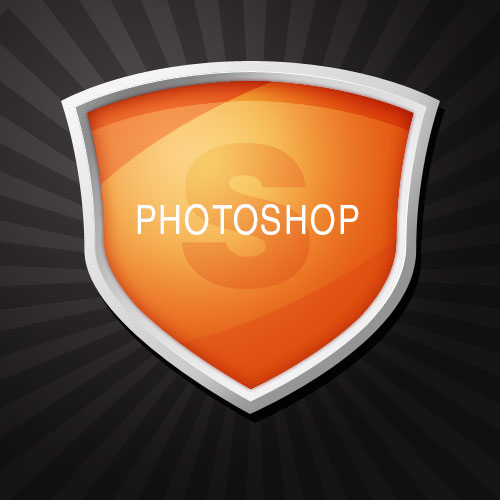
Make a Shield in photoshop

In this tutorial, we're going to use the Path Tools in Photoshop to draw a shield-like shape. Then using some gradients, we're going to give it a metallic edge and shiny center. I actually made this tutorial when making the default icons for some posts here on aztutorial, so if you go to the main listing on the site you'll see them in action.

Friday, 8 July 2011

Create Gold Ornamental Text In Photoshop

Ornamental text can be created in several ways. Today we will demonstrate how to combine several stock images to create some nice gold ornamental typography. Let’s get started!

Resources Used

The following resources were used during the production of this tutorial:

  • Clouds
  • Grunge Texture

Sunday, 26 June 2011

Create a Magic School Photo in Photoshop


In this tutorial we will be covering some very interesting topics on Matte Painting and Photo Manipulation such as planning a concept, pre-visualizing, and using images as references.  This tutorial not only shows some techniques but also helps in improving logical thinking while creating a fantasy scene.

“Magic School” Photo Manipulation Photoshop Tutorial

Step 1

Create a new canvas in Photoshop with the resolution of Width=2560px and Height=1485px.

Monday, 20 June 2011

A Speeding Car Scene With Light Effects In Photoshop


Today we will be creating a composition that blends together various stock images to create a cohesive scene. In addition, we will be using some cool Photoshop tricks to add light effects to the design. Many of these techniques can be applied to your own unique designs – so let’s get started!
This tutorial is in part inspired by Pete Harrison’s awesome composition ‘Super Highway’. Check out his portfolio here.