Showing posts with label az tutorial. Show all posts

Sunday, 7 December 2014

Glow Effect in Photoshop

In this tutorial, we're going to create some really sharp-looking glow effects using a combination of layer styles, the Pen Tool and Color Blending. The end effect is quite stunning and hopefully you'll pick up some tips you didn't know before.
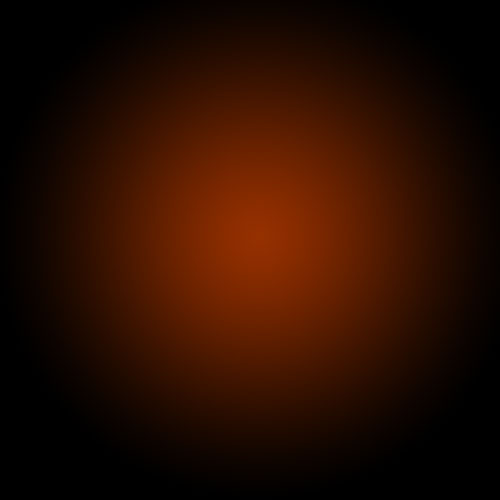
As with pretty much every tutorial I've ever written, we begin with a radial gradient. This one is pretty harsh and goes from a reddish brown color to black. Here are the exact color codes:
Foreground color - #922f00
Background color - #000000


Tuesday, 2 December 2014

Design a Magazine cover in photoshop

Final product image
What You'll Be Creating
Magazine covers can showcase really creative design work. They can be inspirational, glamorous, or even iconic; and fashion covers are at the creative forefront of the magazine industry. 

Friday, 9 December 2011

create a furious pink panther poster

Everyone knows the pink panther! I sure love the old cartoons and remember this old VCR tape packed with episodes I used to watch as a kid, over and over again. Well, there were lots of episodes, so it wasn’t as obsessive as it sounds…
Anyway, I thought it was time to give the old feline a modern, furious twist, and so I createdthis T-shirt for Design by Humans, for which I would greatly appreciate your vote!
Apart from shamelessly promoting myself, I’m going to show you how to create a poster of this new and improved pink panther using some great online resources, from Bittbox and the Go Media Arsenal. You can use just about any version of Photoshop and will need to brush up your art skills for this poster with a pen tablet.
preview

Thursday, 8 December 2011

Creating ‘Broken Link’ Advanced Tutorial


Still reading? Excellent stuff. This tutorial is going to focus on design choices and a little bit of theory. There are literally thousands of tutorials online that cover keyboard shortcuts and clever ways to tweak your custom brushes but less cover the reasons why we’ve chosen to do what we do when we’re creating a piece of art, which is often more important than the process of how you got there (but don’t worry, there will be some of that too!). And we’ve even included a few custom brushes that you can download here.

Final Image:

Here’s the final image that we will be creating:

Sunday, 24 July 2011

Turn Your Photo Into A Terminator Style Robot With Photoshop


This one took me a while to make but the end result was totally worth it. In this tutorial i will be sharing the technique of converting your photo into a terminator style robot. Here is a final preview of what we are aiming for :

Final Preview :

Turn Your Photo Into A Terminator Style Robot Using Photoshop
First Up grab the following stock pictures :

Friday, 15 July 2011

Beauty in the Lake Photoshop Tutorial


In this Photoshop manipulation tutorial I will show you how to create a night scene environment. You will learn how to use the burn tool to create a very nice effect on a body and how to turn a daylight picture into a night scene.

Final result preview


Materials needed

Wednesday, 6 July 2011

End of the World Photo Manipulation


Preview:

Step 1:

Let's start out by creating a new file. I used a 800x533 pixels canvas set at 72dpi, and I filled my background with a black color. Now insert a stock photo of a highway scene, you can download the image used in this tutorial here

Tuesday, 5 July 2011

In Photoshop How to Design a Dramatic Winged Dragon


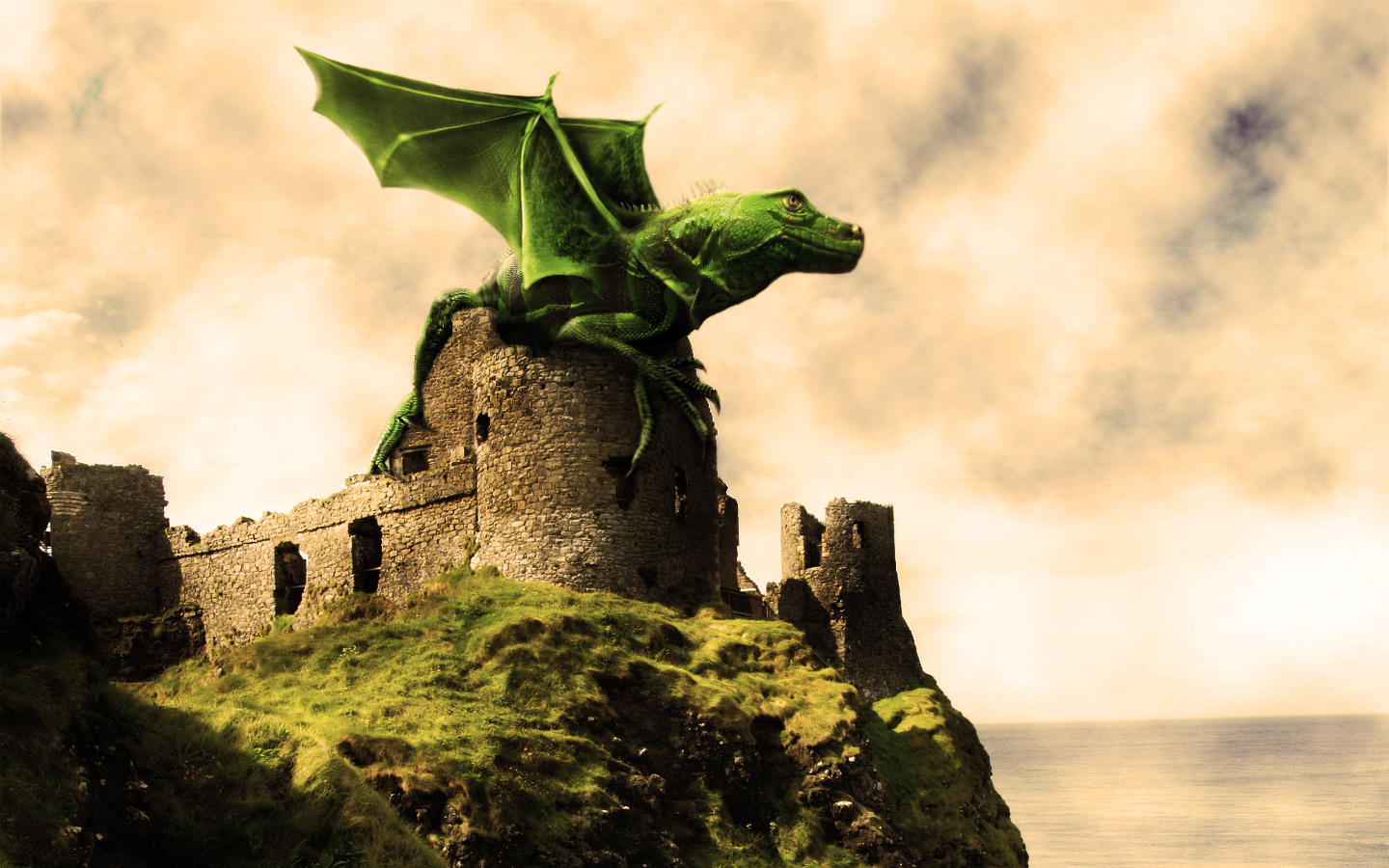
We’ll be creating a fantasy illustration in this tutorial, I’ll show you how to merge two images into one using layer Masks and reshape a picture using the Liquify Filter. We’ll take an image of a baby iguana and another of a bat, then combine the two to create a fantasy dragon. Let’s get started!

Final Image Preview

First, take a look at the image we’ll be creating. Want access to full PSD files and downloadable copies of every tutorial, including this one? You can view the final image preview below or view a larger version here.
Final Click

Monday, 4 July 2011

How to Create a Fantasy Scene with Death


The parts I used to create this image can all be found in the following source image:Cursed Gold
Also check out the full resolution to see more details.

I will explain how I made things and what decisions I made before and during making the image. I use the step by step images to illustrate my story and also add some extra images where needed.
How to Create a Fantasy Scene with Death Final Image

Wednesday, 22 June 2011

Changing Eye Color In An Image in Photoshop


In this Photoshop photo retouching tutorial, we'll learn a very simple technique for changing someone's eye color in a photo using a Hue/Saturation adjustment layer! Of course, there's no shortage of ways to change colors in an image with Photoshop, but whether you know which color you want to use or just want to play around and experiment, a Hue/Saturation image adjustment makes changing eye color easy, fast and fun!
A photo of a woman in a white robe sitting in tall grass. Image licensed from iStockphoto by Photoshop Essentials.com